Hybrid Work
Building a Comfortable Hybrid Workstation
Create a consistent, practical setup that supports focused work at home and in the office.

Build Around Core Tasks
Start with the activities performed most often: screen work, calls, writing, analysis, or detailed input tasks.
The right balance of equipment depends on work patterns rather than the number of accessories available.
Choose High-Impact Essentials
Prioritize supportive seating, appropriate monitor height, and comfortable input devices before adding extras.
Each new item should solve a specific problem in comfort, reach, visibility, or communication.
Create Consistency
Use similar keyboard, mouse, and screen positions at home and in the office when possible.
Consistent placement reduces the time needed to readjust at the start of each work session.
Keep Choices Portable
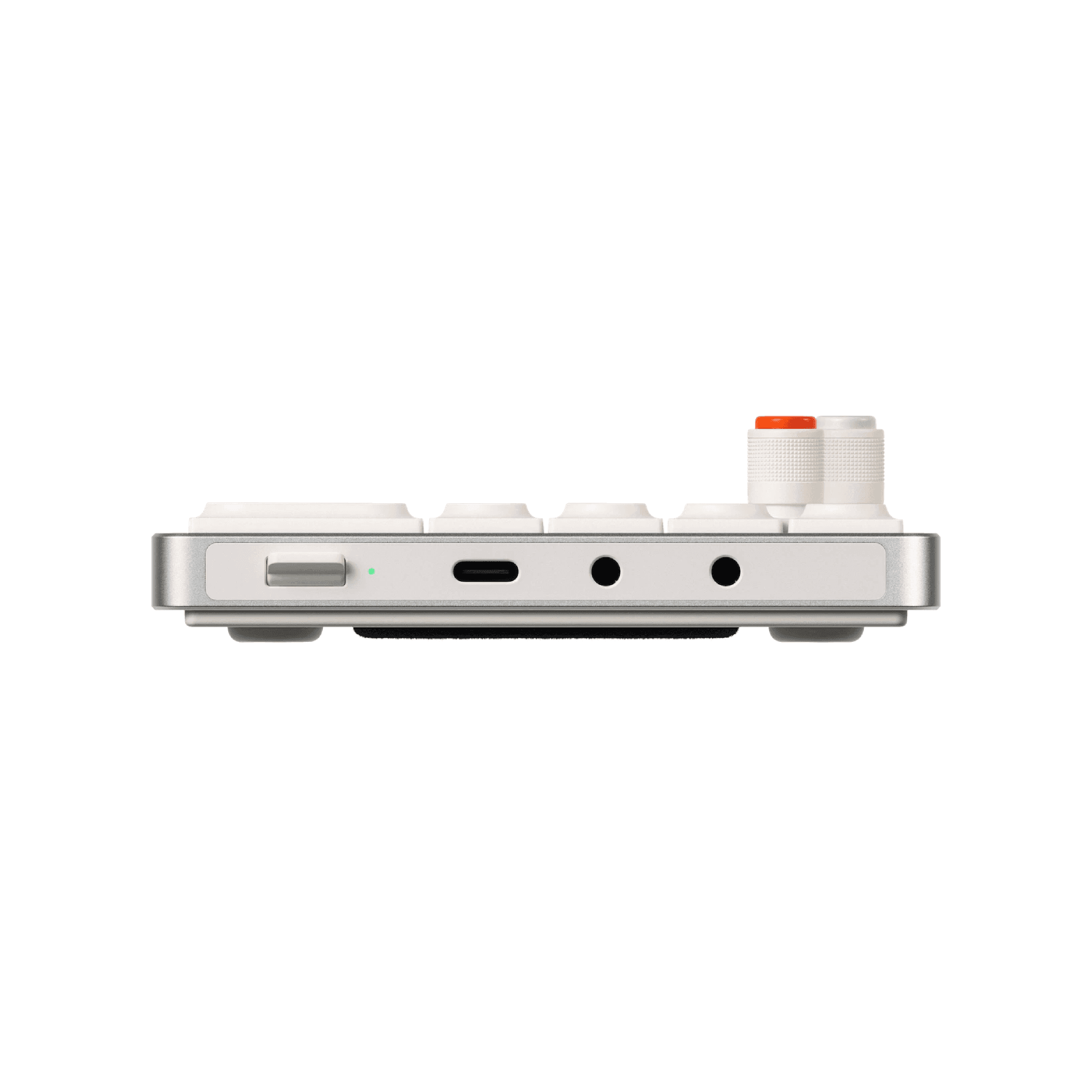
Compact input devices and lightweight headsets can travel between locations without duplicating an office.
Portability should not replace fit; verify dimensions and comfort for the intended daily use.
Plan for Calls and Focus
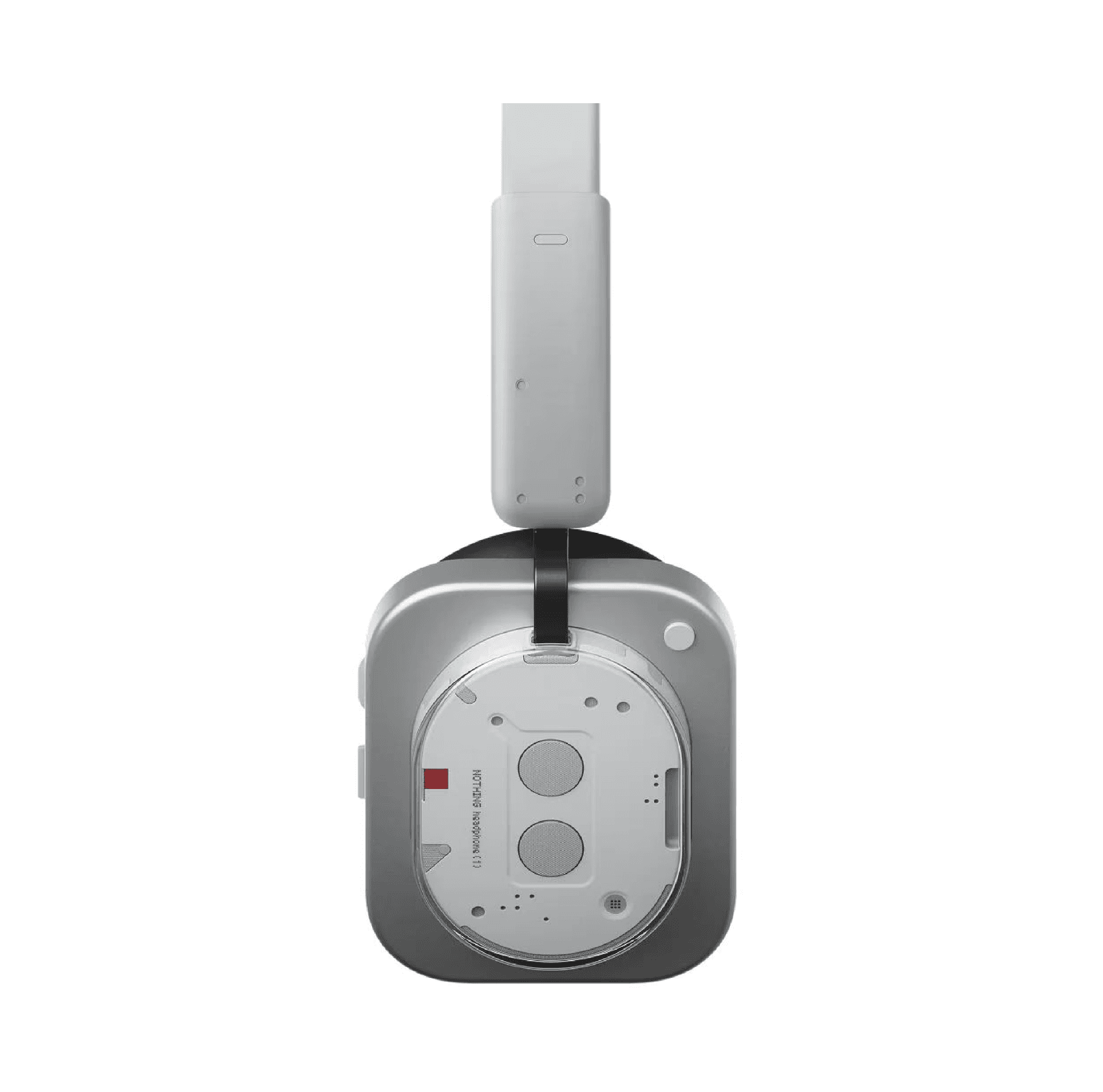
A dependable headset can support calls while preserving a clear and organized workstation.
Balance isolation, microphone needs, comfort, and local availability based on the employee?s role.
Review Budget and Location
Review budget and location filters together so recommendations remain realistic for procurement.
The best hybrid setup supports the employee and can be sourced reliably in the required market.